
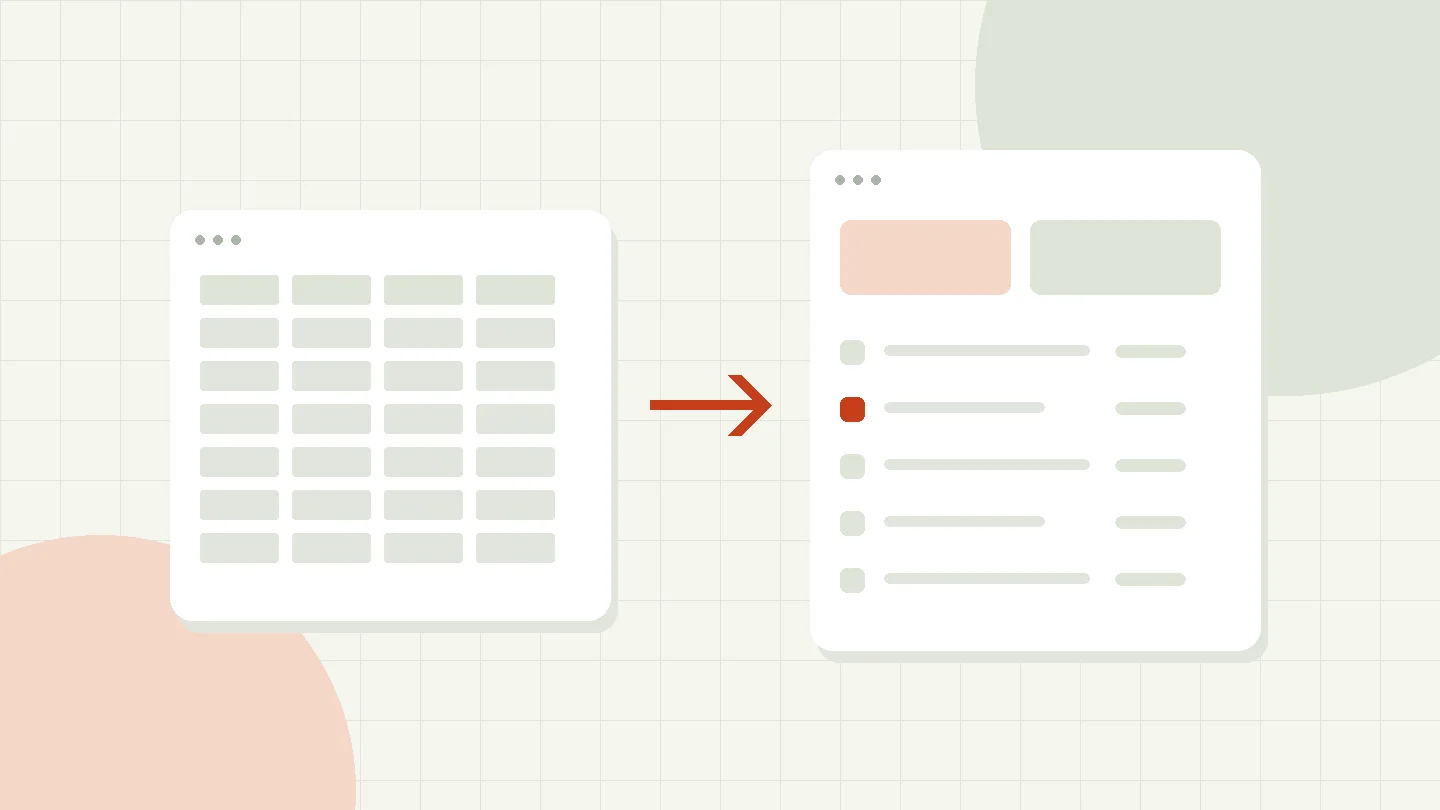
The file is called “Order list_final_new_3.xlsx”. A colleague has another copy and the current release is in an email. Nevertheless, the table fulfills an important task: it holds together a process for which no suitable application currently exists. If you want to improve this situation, you should not get rid of the file too quickly, but first understand its actual use.
Excel is good for calculations, short-term analysis and manageable worklists. Difficulties arise when a file is supposed to be a database, user management, release process and archive at the same time. The transition to a web application makes sense when the focus is no longer on evaluating individual numbers, but rather on reliable collaboration on binding processes.
The limits become apparent in the workflow
A large number of lines alone is not a sufficient reason for a system change. More important are questions such as: Do multiple people edit the same information? Does it have to be traceable who changed a status? Can only individual roles see certain data? Is the same information maintained repeatedly in different files?
Such requirements can be partially solved using table tools. However, this often results in additional rules, macros and organizational agreements. What is crucial is whether the entire system can still be managed understandably and reliably. If a single person knows the hidden formulas, a dependency arises that can be relevant even with a comparatively small file.
A hypothetical release process
A company collects investment requests in a spreadsheet. The person applying adds an amount and a manager enters their decision in another column. Documents are stored in the file system. Purchasing later checks which applications have actually been approved. Here the table combines several tasks, the boundaries of which are hardly visible.
A web application could treat the application as a separate record with associated items and documents. Status changes would be triggered by defined actions. It would be possible to check whether the person acting is responsible for the specific release. This change doesn't just affect the interface: it makes the technical rules explicit and verifiable.
Columns become relationships
Before a migration, terms must be clarified. Is a customer a company or a contact person? Can an order have multiple delivery addresses? Does a document belong to the application or to an individual item? If such relationships are only saved as repeated text, contradictory information can easily arise.
A relational data model maps related objects separately and connects them via keys. This can affect, for example, customers, orders and order items. Uniqueness rules and foreign keys support consistency. However, they do not replace a technical check: a valid customer number does not say anything about whether delivery to this address is permitted.
Not every column has to move
Historical note columns and manual help formulas can become unnecessary as soon as an application fulfills its purpose in a different way. For each field it should therefore be clear who needs it and which decision depends on it. Incomprehensible content will not become more valuable because it will be stored in a database in the future. A justified purpose is particularly important when it comes to personal data.
Check data quality before transfer
Typical problems include duplicate records, inconsistent date formats, and different meanings of empty fields. “Not known”, “not yet checked” and “not applicable” are different statements. The values zero and zero euros should not be thoughtlessly equated. Such differences influence subsequent reports and audits.
A documented assignment is recommended for the cleanup: original value, target value and applied rule. Problematic entries should be decided professionally. An import program must not simply guess an unclear unit. In addition, an unchanged backup of the source files and a report on which lines were adopted, changed or postponed are required.
Design operations according to tasks
A new application does not have to recreate the entire table on one screen. Employees often need different views: a list of open processes, an understandable detailed view and a clearly defined action. This can be easier than a surface with many fields visible at the same time.
Typical tasks should be observed in the pilot. Will a representative find the right application? Is it clear why release is not possible? Are entries retained after an error? Good error messages explain the next action instead of just giving technical code. The change is particularly worthwhile if it makes these everyday processes more understandable.
Secure simultaneous changes
If two people open a data record, the subsequent storage must not overwrite an interim change without being noticed. A possible solution is a version check: The application only saves if the data record still corresponds to the version read. Otherwise the conflict will be displayed and must be consciously resolved.
Related data changes also require a suitable transaction concept. For example, the application and the associated release should not end up in contradictory states. The database principle of transaction treats multiple operations as a common unit. The specific implementation depends on the database, access patterns and technical rules; a browser form alone does not protect these connections.
Divide the introduction into manageable steps
A good initial scope includes a complete process with clear boundaries. Instead of replacing all of a company's tables at the same time, only application entry with approval could initially be implemented. Other evaluations temporarily receive a defined export. This way the transition remains verifiable.
Before the productive change, quantities, totals and samples are compared. It is not enough to just check the number of imported rows. Relationships and attachments must also be correct. For a reversion to the old status, it must be determined until when this is possible and how interim changes will be handled. A long, uncontrolled parallel operation, on the other hand, produces two competing truths.
Tables remain a useful tool
A web application doesn't have to displace Excel from every workflow. A targeted export can still be used for individual analyses. However, binding decisions and data maintenance should take place in the designated system. If an export is later imported again, this method also requires validation, rights checks and a strategy for conflicts.
Equally important are operations and further development. Who maintains user accounts, checks backups and decides on new fields? An individually developed application only remains useful if responsibilities and maintenance are regulated. Replacing a file with software is therefore also an organizational task.
Specify the technical owner of the data
A file often has an informal owner: the person who created it. In a shared application, this habit is not enough. For central types of data, it should be clear who decides on the technical rules and clarifies controversial entries. Technical administration and professional responsibility are different tasks.
An example is a list of contract terms. IT can check whether a date is formally valid. A responsible specialist must decide whether a notice period fits the contract and which version is binding. The application should support this limit and not feign technical certainty just because a form has been successfully saved.
A clear rule for imports from old work files is also helpful. Which data will still be accepted after the change? Who can change a retroactive entry? How are deviations documented? Without such agreements, employees can continue to maintain their own tables and later try to merge different statuses.
Training should therefore focus on actual tasks. A brief guide to recording, correcting and substitution is often more useful than a complete list of all buttons. In addition, a known feedback channel is needed for unclear cases. The introduction has been successful if the new way of working works comprehensibly even without the previous table expert.
Create a resilient starting point
The best preparation is a sample file with clean data, a description of key operations, and a list of recurring problems. This can result in a limited prototype. Its success is tested by specific tasks, not by the number of new screen masks.
GRITTMANN supports the conception of individual web applications for such transitions. Ours shows which functions are basically conceivable Application examples. Für eine konkrete Lösung beginnt die Arbeit mit dem Prozess hinter der Tabelle und den Regeln, die bisher nur im Wissen einzelner Personen existieren.
Sources and further documentation
Technical basics and additional information from the respective editors. Links last checked on 14.04.2026.
Stay in touch.